Alternative color palettes for graphic design can snap you out of a creative block and deliver on-brand originality fast. This guide gives 30 curated palettes with HEX (and RGB), accessibility notes, pairing rules, and quick workflows to ship confident color choices.
Quick color theory and practical rules
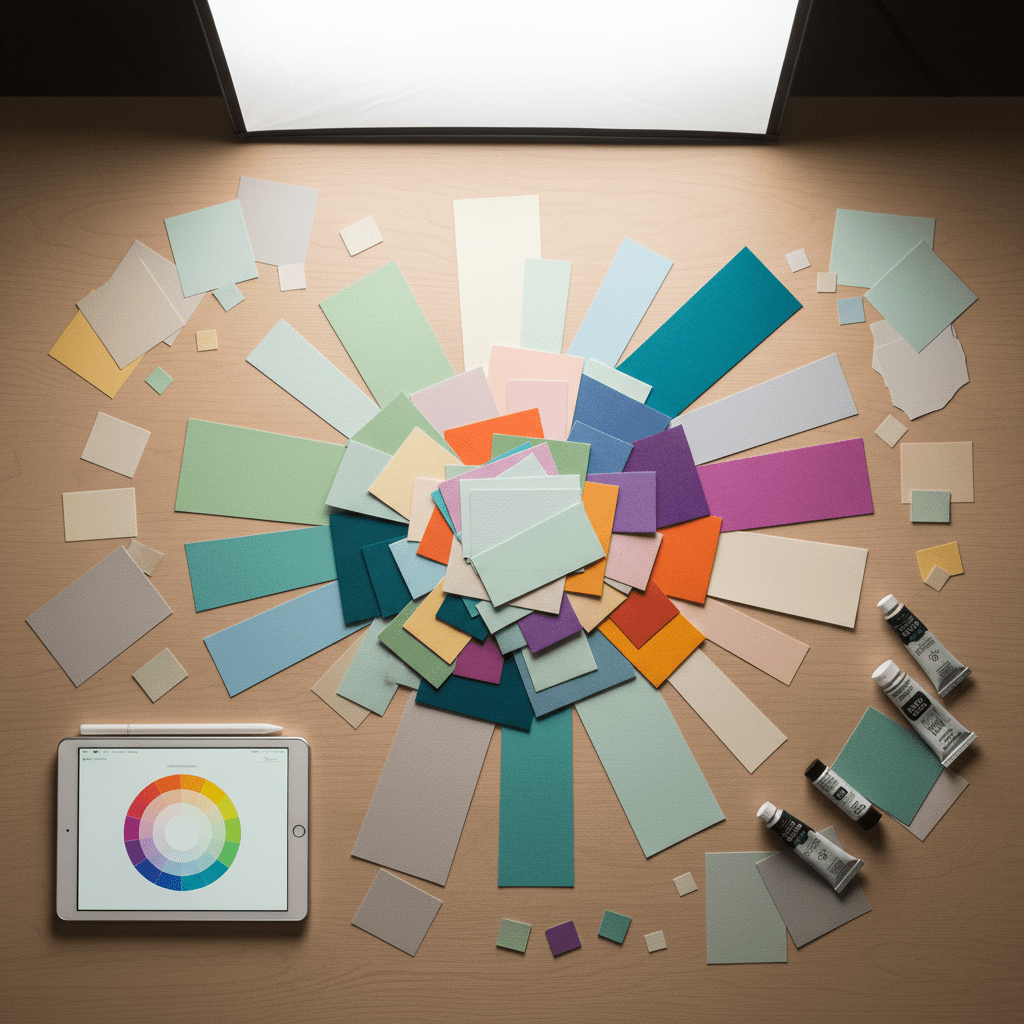
Start with the color wheel: primary, secondary, tertiary — then use four practical schemes depending on intent. Complementary gives punchy contrast; analogous creates harmony; triadic adds energy; monochromatic keeps things cohesive. Use these short, actionable rules to choose a starting strategy.
- Monochromatic: cohesive and calm — add contrast with texture, tints, or a high-contrast neutral.
- Complementary: high energy — pick one dominant color and one accent to avoid visual noise.
- Analogous: smooth and organic — lower contrast; introduce a neutral to ground the palette.
- Triadic: vibrant and balanced — manage saturation and brightness so all three work together.
Transition: with those rules in mind, the next section supplies production-ready palettes you can drop into briefs.
30 ready-to-use alternative palettes (HEX + RGB) for fast selection
Below are 30 curated combinations drawn from trend-aware categories (wellness, luxury, eco, retro, playful). Each row lists a primary palette trio, suggested industry or mood, and a brief accessibility/implementation note.
| Palette # | Colors (HEX / RGB) | Use-case / Mood | Quick note |
|---|---|---|---|
| 1 | #2F3C7E (47,60,126); #FBEAEB (251,234,235) | Wellness / beauty | Soft dominant blue with pastel pink accent — check text contrast on light pink |
| 2 | #292826 (41,40,38); #F9D342 (249,211,66) | Athletic / urban | High-impact black+yellow — use yellow for CTAs, ensure large text or bold weight |
| 3 | #F96167 (249,97,103); #F9E795 (249,231,149) | Youthful F&B | Warm energetic combo — check WCAG when yellow is background |
| 4 | #990011 (153,0,17); #FCF6F5 (252,246,245) | Romantic / bridal | High contrast when dark red used for headlines on off-white |
| 5 | #89ABE3 (137,171,227); #FFFFFF (255,255,255) | Childcare / nonprofit | Classic light-blue + white — keep CTAs darker for contrast |
| 6 | #00246B (0,36,107); #CADCFC (202,220,252) | Insurance / finance | Trustworthy blues — use darker blue for primary UI elements |
| 7 | #89ABE3 (137,171,227); #EA738D (234,115,141) | Parenting / children’s | Friendly sky blue + bubblegum pink — test for red/green blindness |
| 8 | #CC313D (204,49,61); #F7C5CC (247,197,204) | Expressive beauty / lifestyle | High personality — reserve saturated red for accents |
| 9 | #2C5F2D (44,95,45); #97BC62 (151,188,98) | Eco / sustainable (monochrome) | Monochrome greens — add off-white to maintain legibility |
| 10 | #1E2761 (30,39,97); #408EC6 (64,142,198); #7A2048 (122,32,72) | Luxury fashion / fine dining (triad) | Deep, rich triad — use low-saturation mid-tone neutrals for text |
| 11 | #B85042 (184,80,66); #E7E8D1 (231,232,209); #A7BEAE (167,190,174) | Home decor / wellness | Terracotta + muted teal — great for interiors; check print swatches |
| 12 | #111827 (17,24,39); #FFFFFF (255,255,255); #D1D5DB (209,213,219) | Minimalist corporate | Subdued neutrals — use bold weight for hierarchy instead of color |
| 13 | #330000 (51,0,0); #73605B (115,96,91); #D09683 (208,150,131) | Artisan / rustic | Warm heritage tones — ensure text contrast on mid-tone backgrounds |
| 14 | #375E97 (55,94,151); #FB6542 (251,101,66); #FFBB00 (255,187,0) | Adventure / food | Vibrant triad — balance saturation; use one dominant color per layout |
| 15 | #A1BE95 (161,190,149); #F98866 (249,136,102) | Eco / mindfulness | Pale olive + salmon — soften saturation for small text |
| 16 | #735DA5 (115,93,165); #D3C5E5 (211,197,229) | Wellness / spiritual | Periwinkle + lilac — low contrast; pair with dark neutral for legibility |
| 17 | #C4DFE6 (196,223,230); #66A5AD (102,165,173) | Spa / travel | Seafoam tones — calming, ensure CTAs use deeper teal |
| 18 | #20948B (32,148,139); #6AB187 (106,177,135) | Nature-inspired / wellness | Teal + light green — good for eco brands; test for deuteranopia |
| 19 | #31473A (49,71,58); #EDF4F2 (237,244,242) | High-end organic | Dark green + light gray — elegant and readable with large type |
| 20 | #f1c232 (241,194,50); #ce7e00 (206,126,0); #c90076 (201,0,118); #6a329f (106,50,159) | Creative fashion / cosmetics | Warm gold + pinks + purple — reserve metallics for accents |
| 21 | #962E2A (150,46,42); #E3867D (227,134,125); #CEE6F2 (206,230,242) | Bridal / beauty (soft triad) | Mauve/dusty rose palette — soften for print) |
| 22 | #46211A (70,33,26); #A43820 (164,56,32); #F1D3B2 (241,211,178) | Farm-to-table / coffee | Chestnut + cream — great for packaging textures |
| 23 | #2A3132 (42,49,50); #763626 (118,54,38); #90AFC5 (144,175,197) | Architecture / high-end design | Charcoal + rust + sky blue — modern, test on textured backgrounds |
| 24 | #002C54 (0,44,84); #C5001A (197,0,26); #FDF6F6 (253,246,246) | Luxury / fashion | Navy + bright red — use pale pink for soft backgrounds |
| 25 | #1D1B1B (29,27,27); #EC4D37 (236,77,55) | Edgy editorial | Black + red — great for headlines; watch small red-on-black text |
| 26 | #8BD8BD (139,216,189); #243665 (36,54,101) | Mint + deep blue — security tech / healthcare | Mint accent on deep blue background works well for icons |
| 27 | #FF69B4 (255,105,180); #00FFFF (0,255,255) | Neon / high-energy | Hot pink + neon blue — use for limited, high-impact elements only |
| 28 | #E3B448 (227,180,72); #CBD18F (203,209,143); #3A6B35 (58,107,53) | Retro / earthy | Mustard + sage + forest — great for vintage rebrands |
| 29 | #AA96DA (170,150,218); #C5FAD5 (197,250,213); #FFFFD2 (255,255,210) | Soft pastel triad | Delicate trio — use darker neutral for body copy |
| 30 | #1E2761 (30,39,97); #408EC6 (64,142,198); #7A2048 (122,32,72) | Luxury / depth (repeat of triad) | Versatile triad — good for hero gradients and accents |
Transition: pick one palette from above, then run the quick accessibility checks and implementation tips below before finalizing for client deliverables.
Accessibility, contrast, and color-blind friendliness
Accessibility is non-negotiable. Apply these practical checks before handing off a palette:
- Test contrast ratios against WCAG 2.1: aim for 4.5:1 for normal text and 3:1 for large text or UI components.
- Simulate common color-blindness (deuteranopia, protanopia, and tritanopia) and adjust saturation or swap problematic accents.
- Assign clear light/dark roles: define background, dominant, accent, and neutral; if background is colorful, make text a neutral high-contrast color.
Benefits: following these quick rules prevents late-stage redesigns, reduces client pushback, and keeps legal/brand accessibility compliant.
Transition: once a palette passes accessibility checks, use the implementation rules below to make it production-ready.
Pairing rules and implementation tips for quick handoffs
Use a repeatable recipe to build usable systems fast: base/dominant color, one or two accents, and one neutral. Practical tips:
- Define scale: pick one dominant (60-70%), one supporting (20-30%), and one neutral (10%); reserve one vivid accent for CTAs.
- Use off-whites and muted grays to ground saturated palettes and boost legibility.
- For brand assets, export swatches in HEX and RGB and include tints (15-85%) for backgrounds and hover states.
Transition: for time-pressed designers, tools and workflow shortcuts below help you iterate palettes quickly without sacrificing quality.
Fast tools and workflows to generate and test palettes
When time is tight, these workflows speed you to production while keeping accessibility and originality in check:
- Start from image sampling: extract palettes from reference photography or textures using a color extractor, then adjust saturation/brightness to meet WCAG.
- Use contrast checkers and color-blind simulators as part of every iteration; many palette generators integrate these checks.
- Prepare a compact “palette card” per project: HEX, RGB, role labels (primary/secondary/accent/neutral), and two tints — hand this to developers and PMs.
Transition: beside tools, watch trends and category cues so palettes feel current, not cliché.
Trend-aware guidance and when to avoid clichés
Trends you can use now: earthy terracotta with muted teal; subdued corporate palettes for financial brands; pastel-playful combos for children’s or wellness; luxe pairings of deep blues, burgundy, and metallic gold. Avoid clichés by varying saturation and adding unexpected neutrals — e.g., swap stark white for a warm off-white, or pair a luxury deep blue with a muted peach instead of gold.
Key findings from curated sources: 30 distinct web-design combinations are productive starting points; many entries recommend one dominant color with accents and suggest gradients or tonal variations to add depth.
Conclusion
For junior designers and freelance art directors, the fastest path to originality is a repeatable process: choose a scheme that fits the brief, pick a dominant color plus accents and neutral, run quick WCAG and color-blind checks, and prepare swatch cards for handoff. Use the 30 ready-to-use palettes above as starting points — tweak saturation, add tints, and test on real layouts (hero, CTA, cards) to secure both brand fit and accessibility. Practicing this workflow eliminates creative paralysis, shortens delivery times, and gives clients distinct, production-ready color systems.